Customized BMS logo displays on a white background on login page
Issue
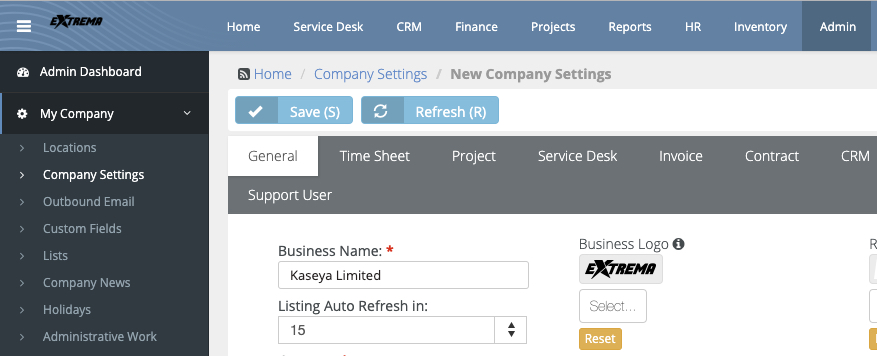
Due to the clean new look, the BMS login page now has your customized logo (if configured) that is now displayed on a white background on the login page.
Cause
This new change was introduced in BMS 4.0.21 as part of a new UI we now have in place.
Resolution
You may want to upload a dark version of your logo as black or charcoal gray is recommended because it will stand out on both the top bar and the login page as well. Having the black color is consistent with the menu bar in BMS. Example: