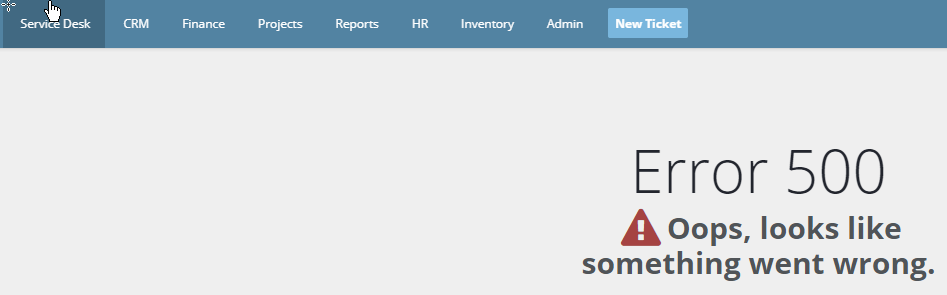
Unable to save an asset, fails with error 500
Question
Every time I try to update any field on a particular asset record, it fails with error 500.
Answer
This happens if there are HTML tags in one of the asset fields. "&#" are considered html tags in BMS.
Steps
1. Navigate to the affected asset.
2. Look for the HTML tags on any of fields. Typically they will be on the username field.
3. Clear the HTML tags and save.
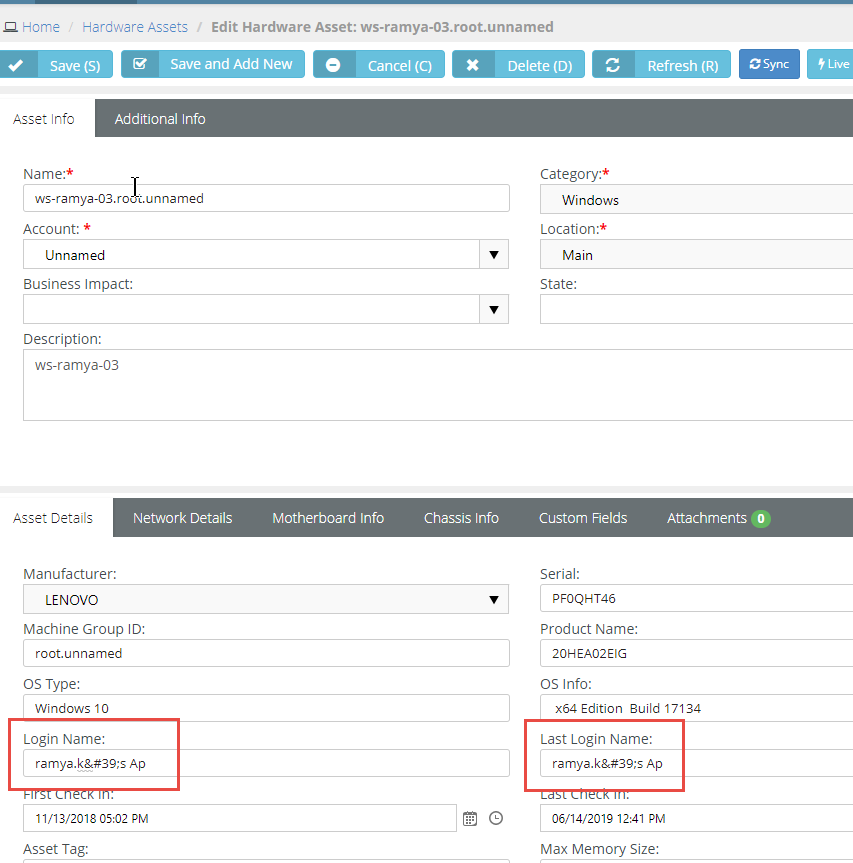
NOTE The save should complete successfully and you will no longer see error 500.


